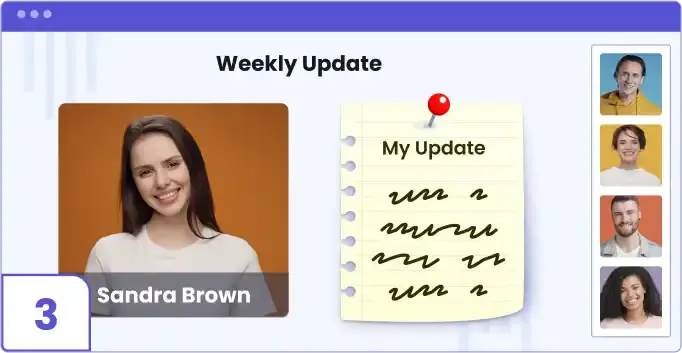
The Team Update app allows you to effortlessly gather updates from any team member ahead of the meeting, directly to the meeting session without accessing the editor.
To add the Team Update app:
1. Select the session you wish to edit and navigate to the desired location on the storyboard.

2. Click on Add Scene.

3. Click on Main Content.

4. Select ‘Team Updates’.

5. Once the Team Update scene is added, click on ‘Ask for Updates’.
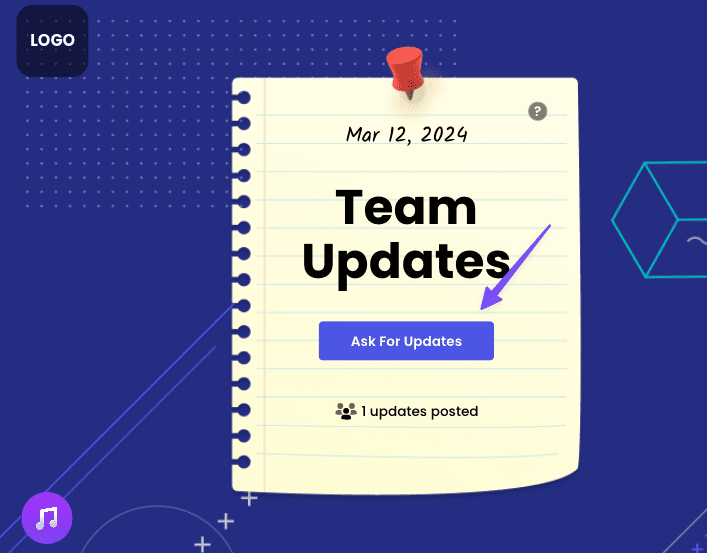
6. Edit the message you’d like to display, click on ‘Copy Link’, and send the link to the participants from whom you’d like to receive updates

7. When opening the link, participants can type their updates and click on ‘Post Update’

8. Each update generates a new scene, and the host receives a notification email.

9. During the live session, participants will see a scene with the updates and the speaker, enhancing communication and collaboration.