Gloww’s Hybrid Mode offers the flexibility to combine any video conferencing platform like Zoom, Teams, or Google Meet with Gloww for interactive sessions. Here’s how you can set it up:
1. Start your meeting in your video conferencing tool as you normally would.
2. In Gloww, click on ‘Present’ in the top right bar to go live.

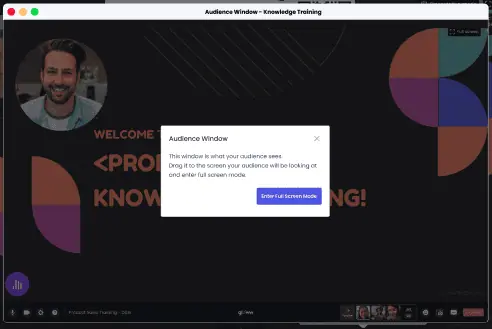
3. Activate ‘Dual Display’ to open the audience window.

Note: It’s recommended to open the audience window in full screen.

4. Share the audience window in your Zoom, Teams, or Google Meet meeting using the share screen functionality to display the Gloww content to your participants.
Important: Make sure to share the audio from the Gloww’s audience presentation window, so participants can hear your music and videos.
5. Mute yourself in Gloww’s host window. Participants will hear you in Zoom, Teams or Google Meet.